
Time is an illusion. Measure it with meTime.
Interval and workout timers, multiple timers, a stopwatch, a counter and days since or until. One calm app for iPhone that looks the way you want.

Everything unlocked for your first 7 days. No account needed.
You choose how time is displayed.
Dark or light. Orange, green or blue, 72 more colours, or any colour you type in. Hide the tab bar when you want nothing but the number.
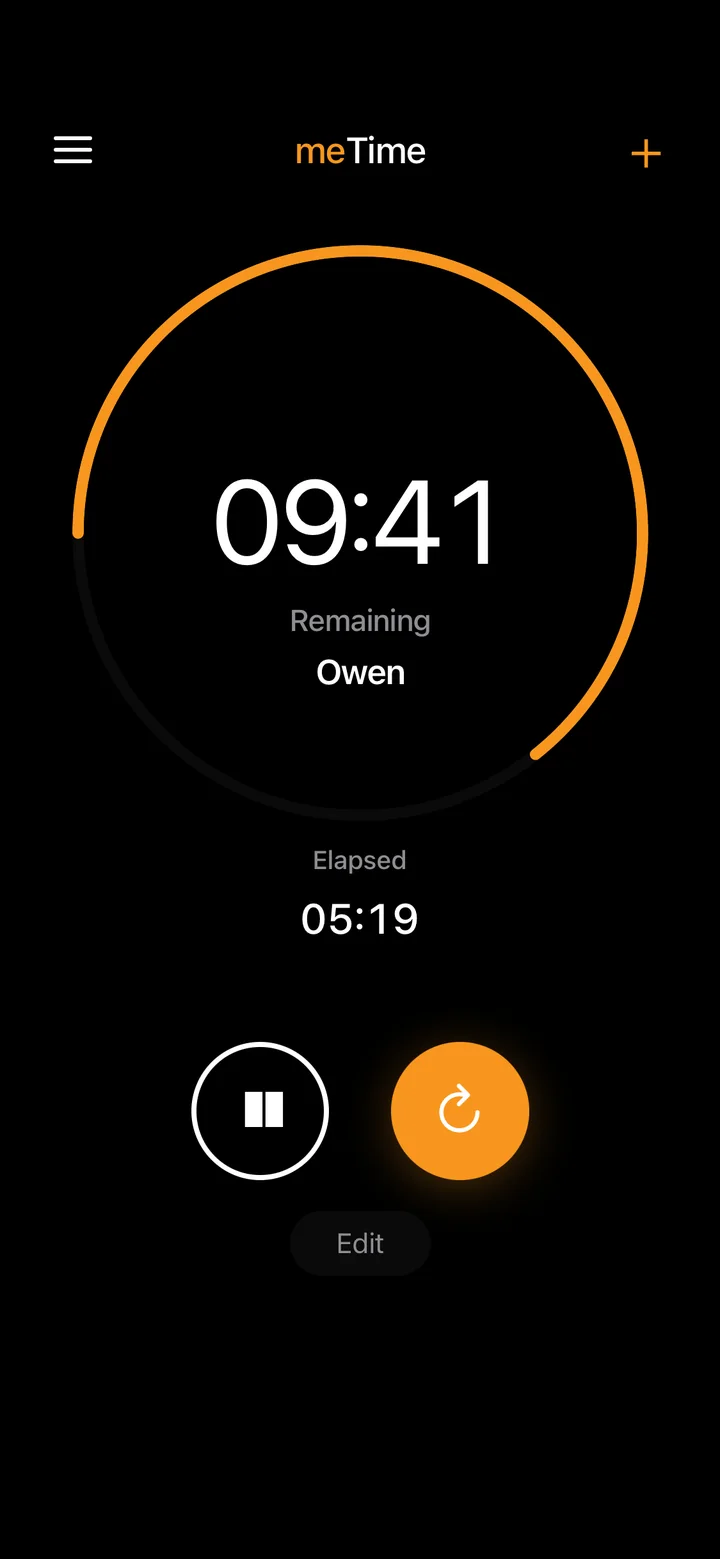
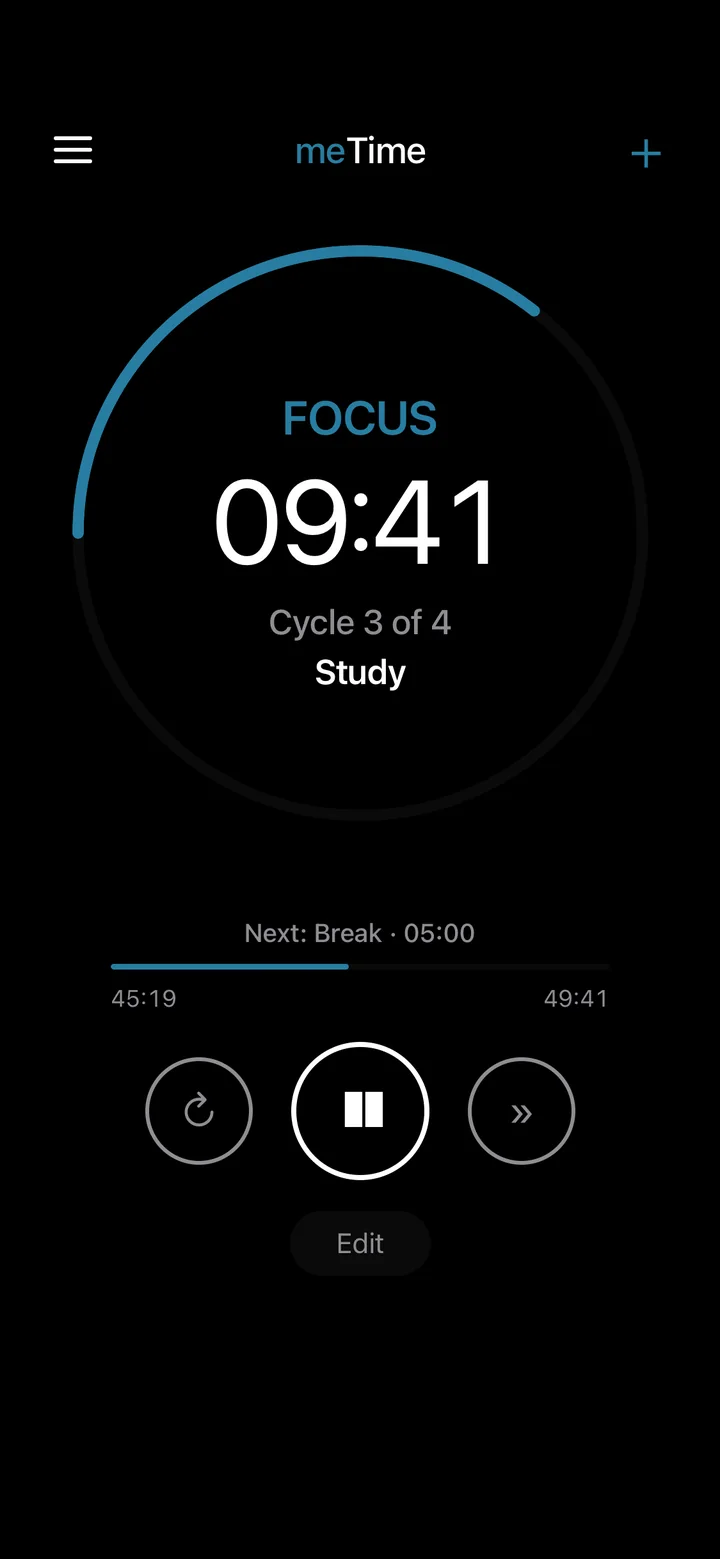
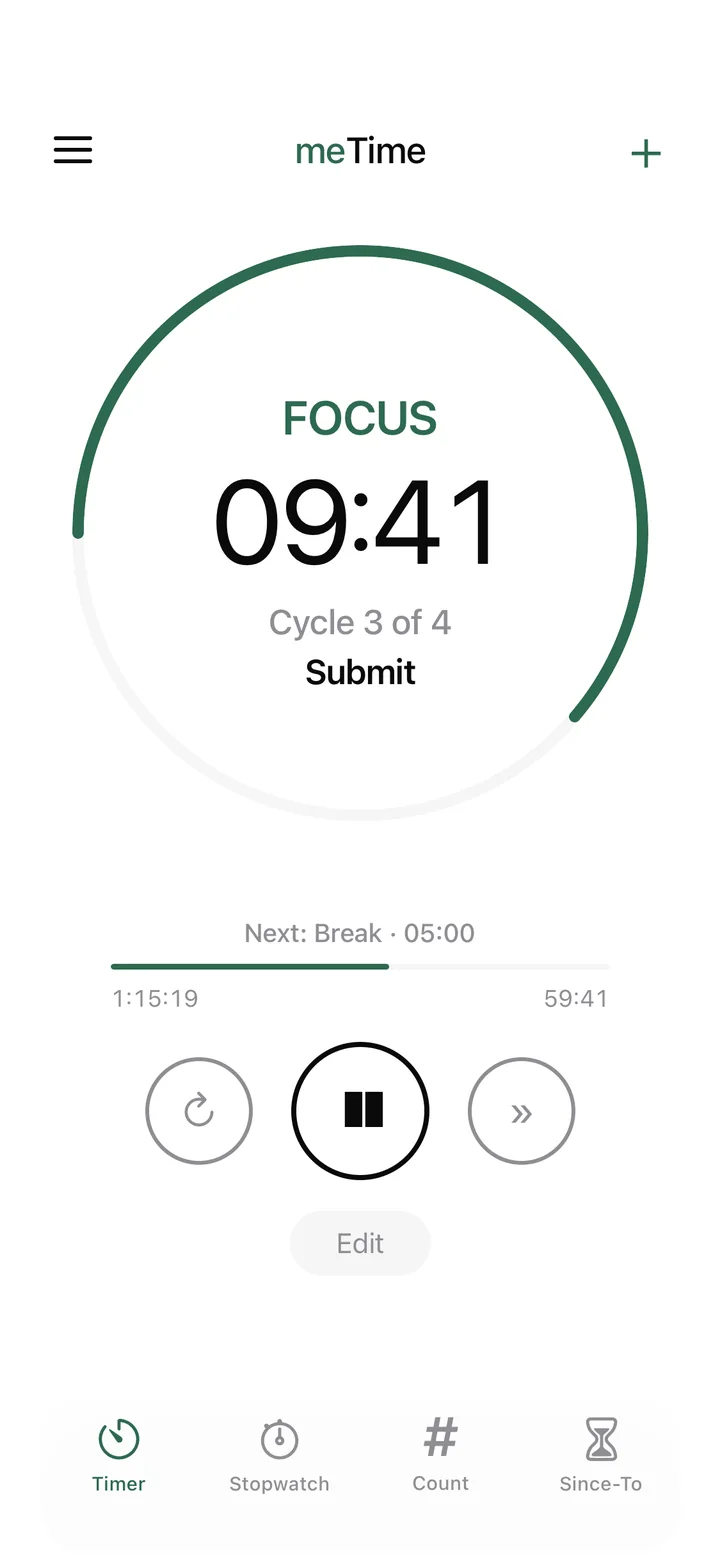
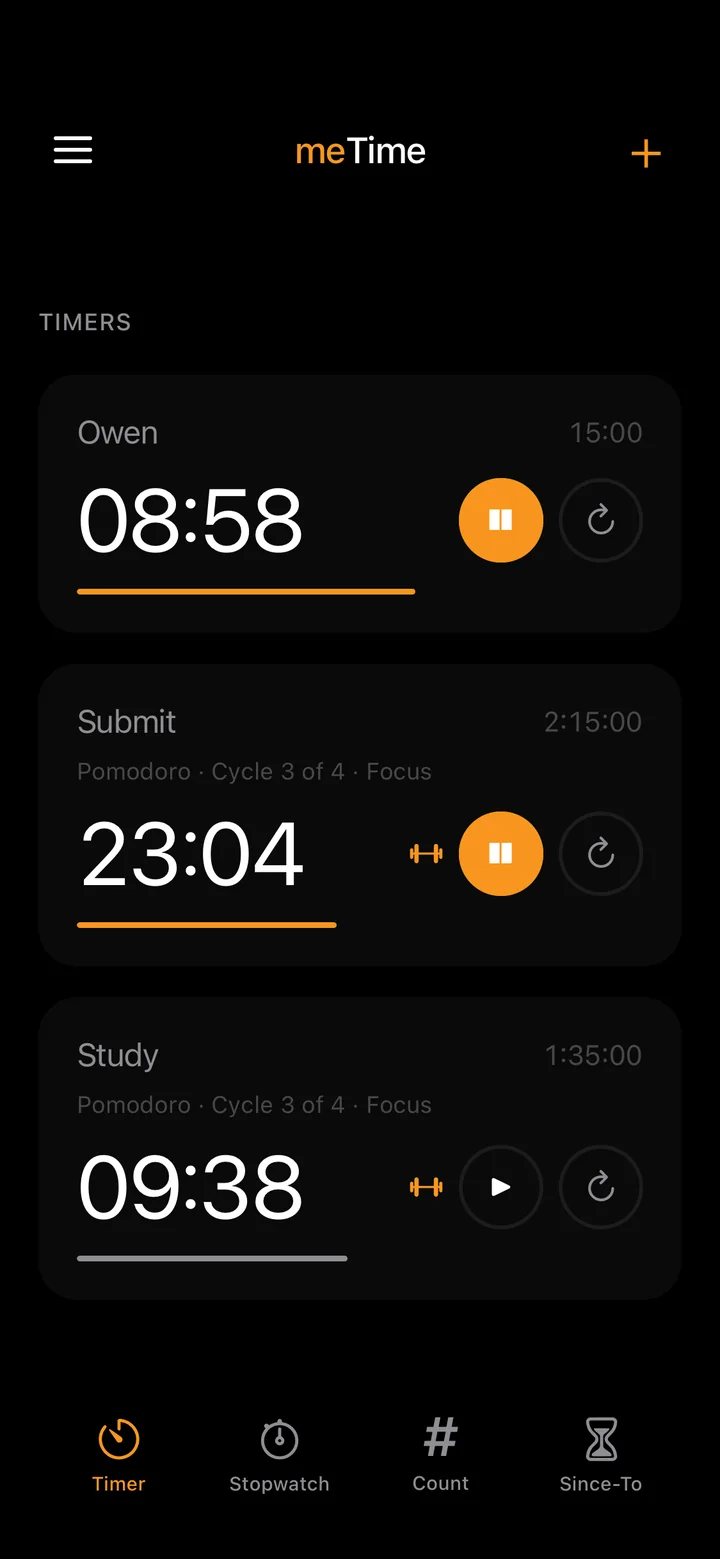
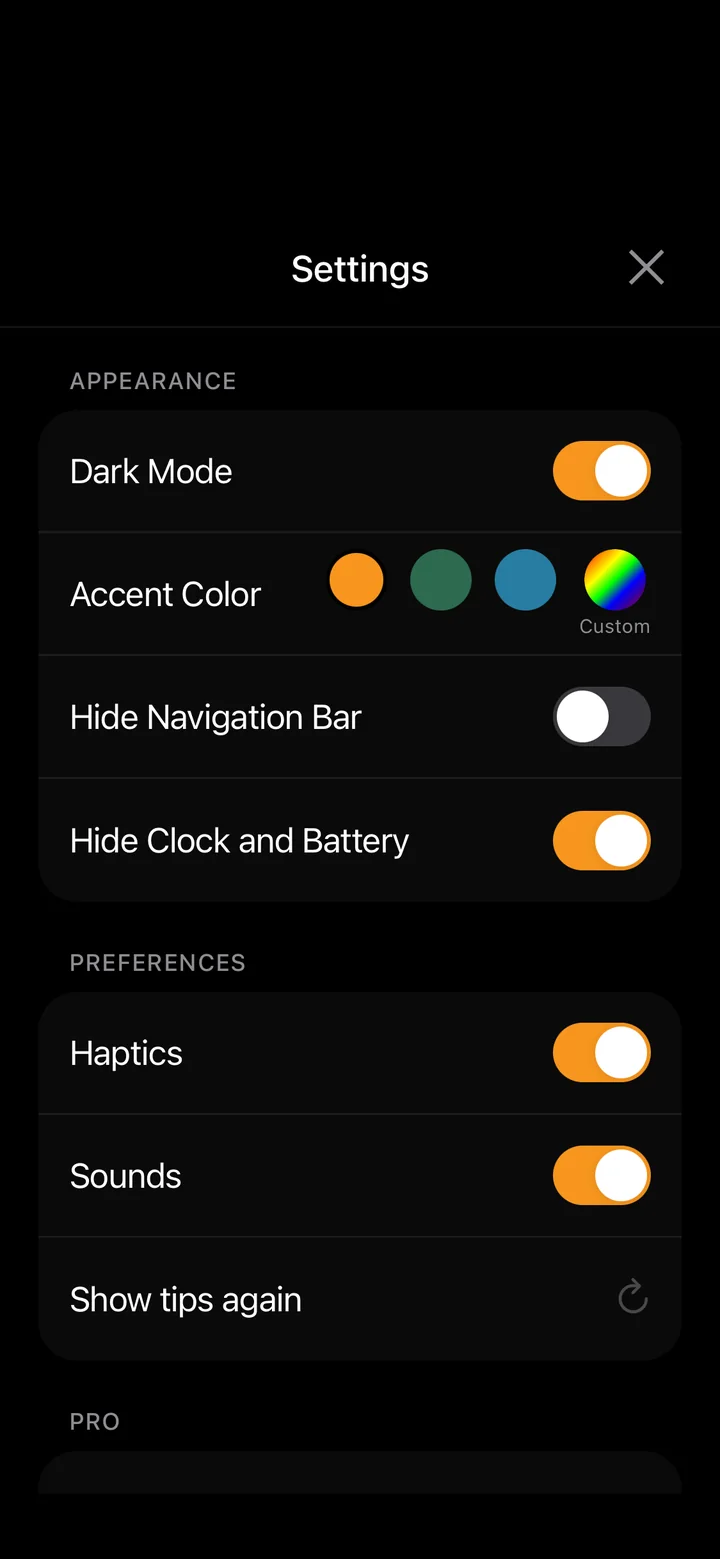
Everything in one settings screen
- Dark mode
- Light or dark, independent of your iPhone's setting.
- Accent colour
- Orange, green or blue. With Pro, pick from 72 more or type any hex code.
- Hide navigation bar
- Nothing on screen but your lists and the number.
- Hide clock and battery
- A completely clean screen while you focus or train.
- Haptics and sounds
- Feel every tap, or keep it silent.
Five tools. One quiet app.
Large numbers, generous space, and nothing on screen that doesn't need to be there.
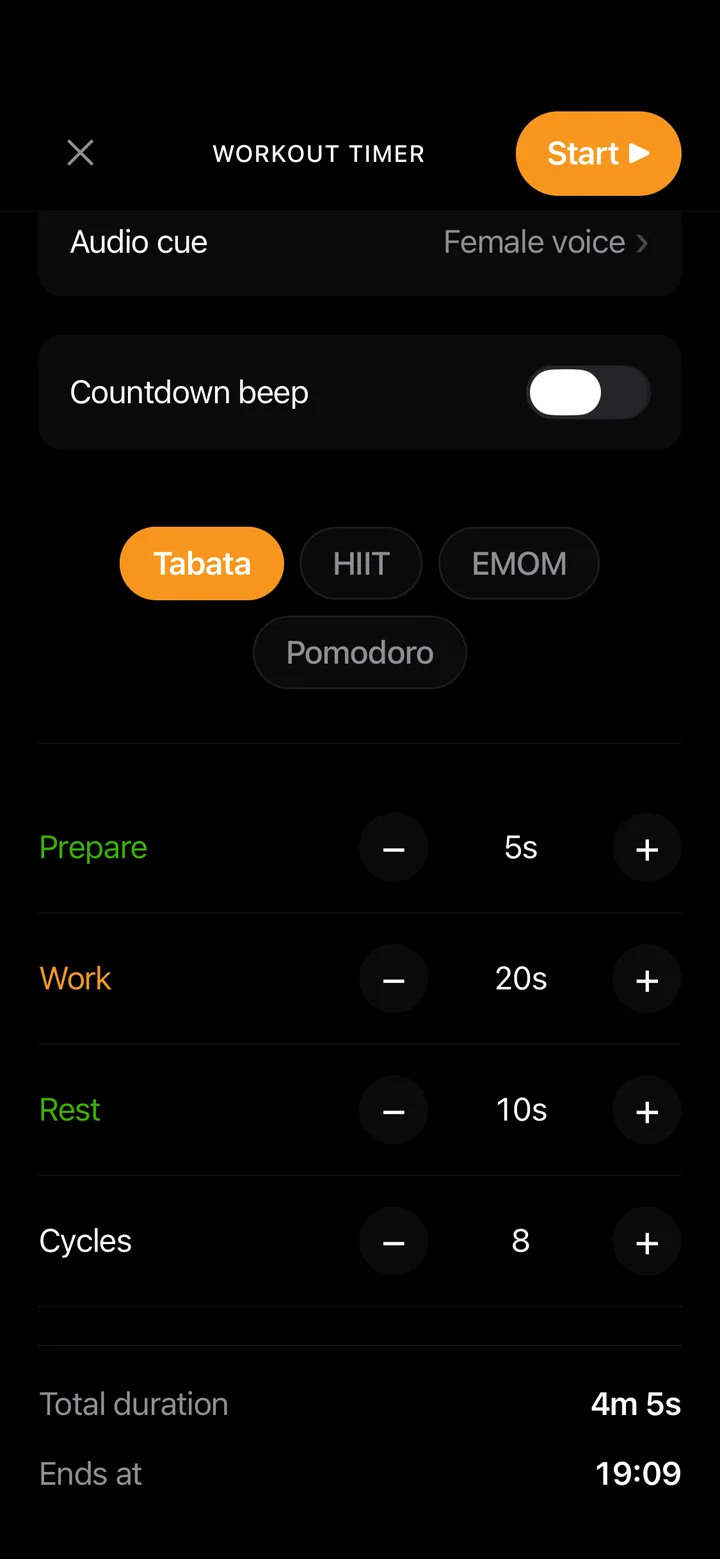
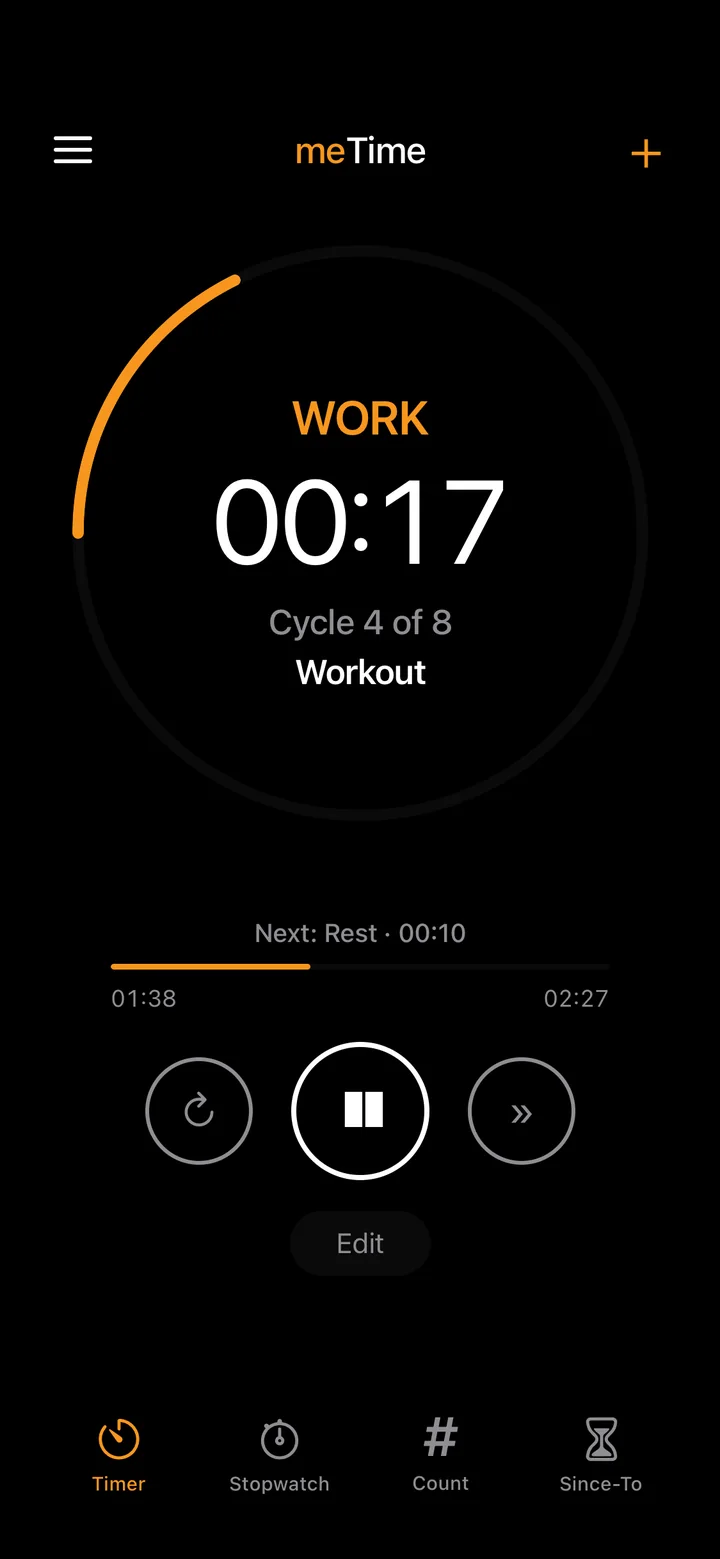
Interval and workout timers
Tabata, HIIT, EMOM and Pomodoro, each fully configurable. A male or female voice calls every phase, so you never have to look at your phone mid-set.
Multiple timers
Run several timers at once, each with its own name, sound and progress. See what's remaining and what's elapsed at a glance.
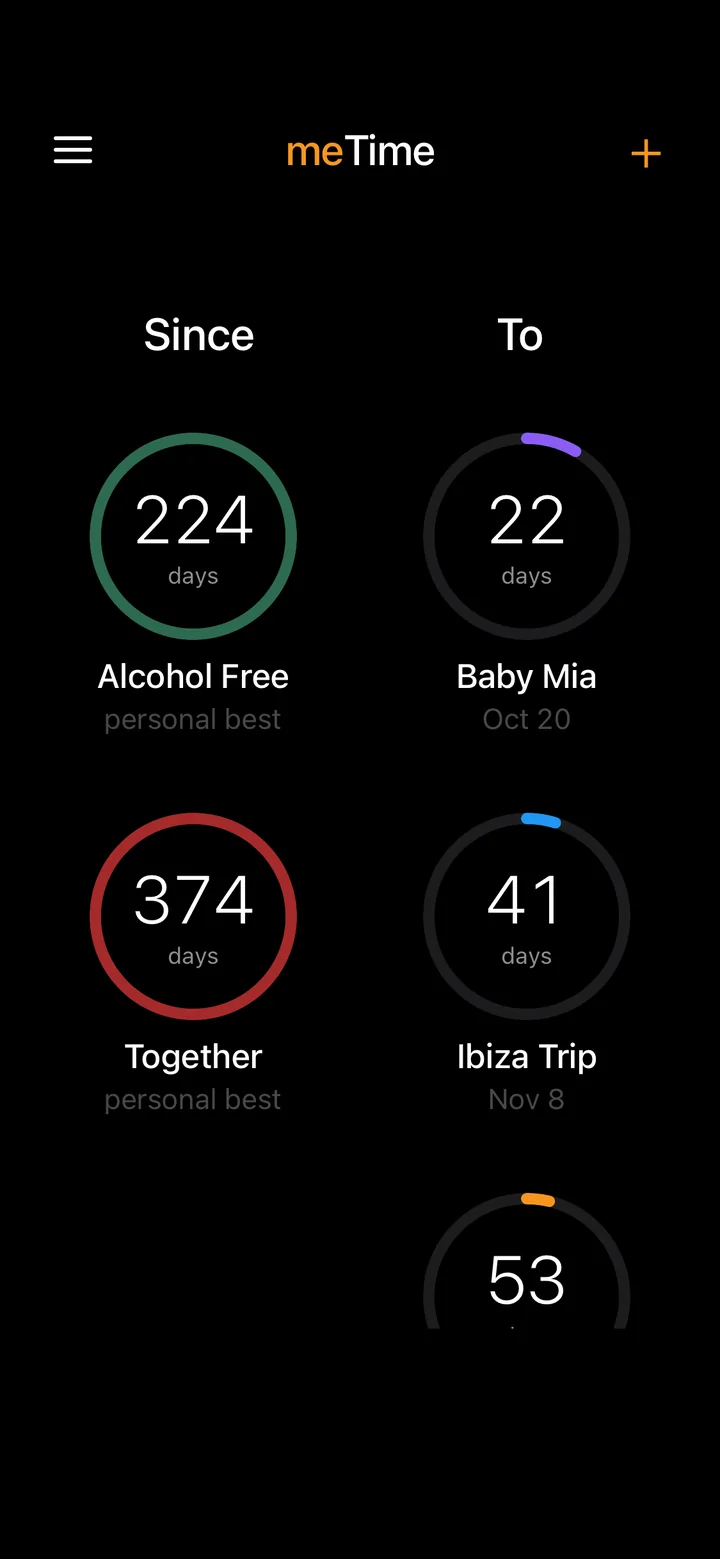
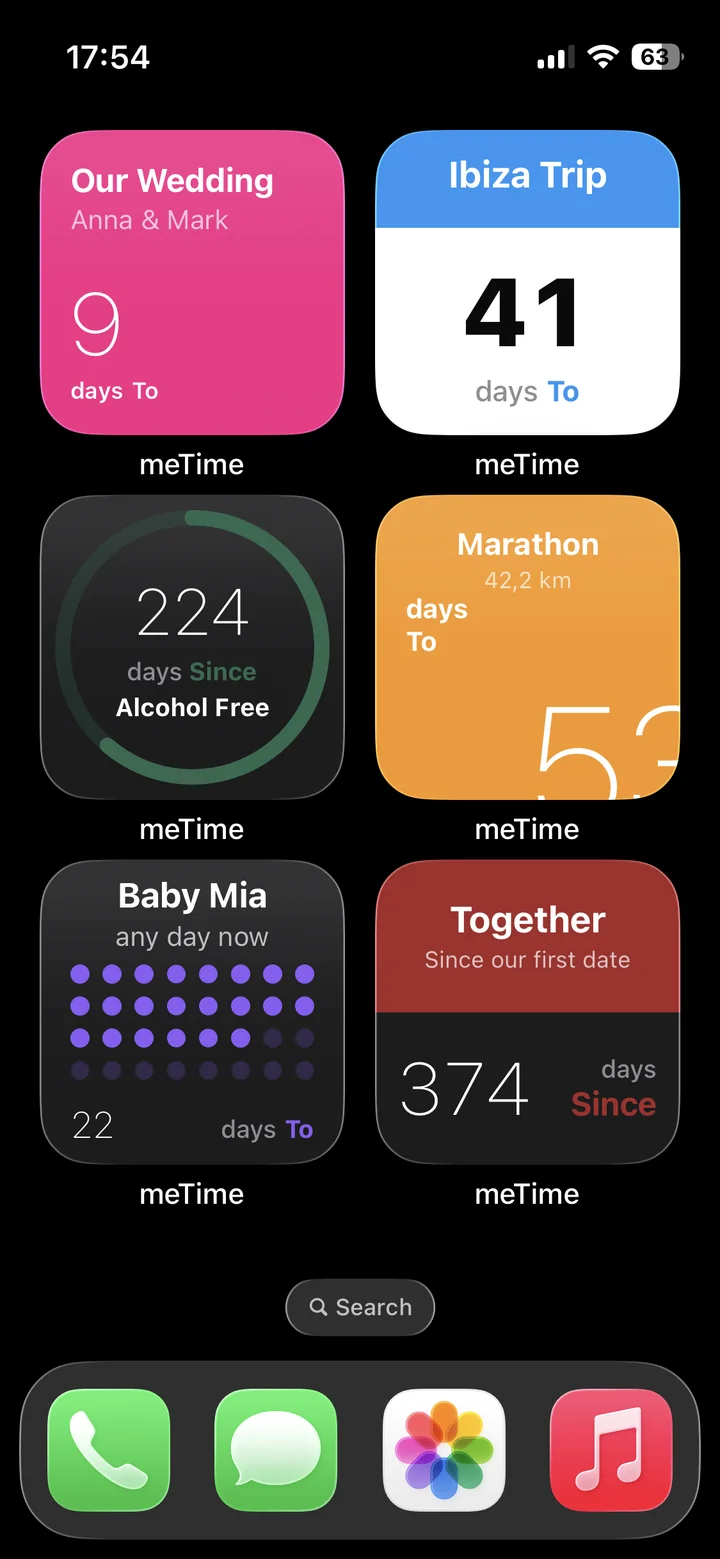
Days since and days until
Streaks, anniversaries and countdowns in one place, with a personal best kept for every streak. Put them on your Home Screen in six widget styles, or on the Lock Screen.
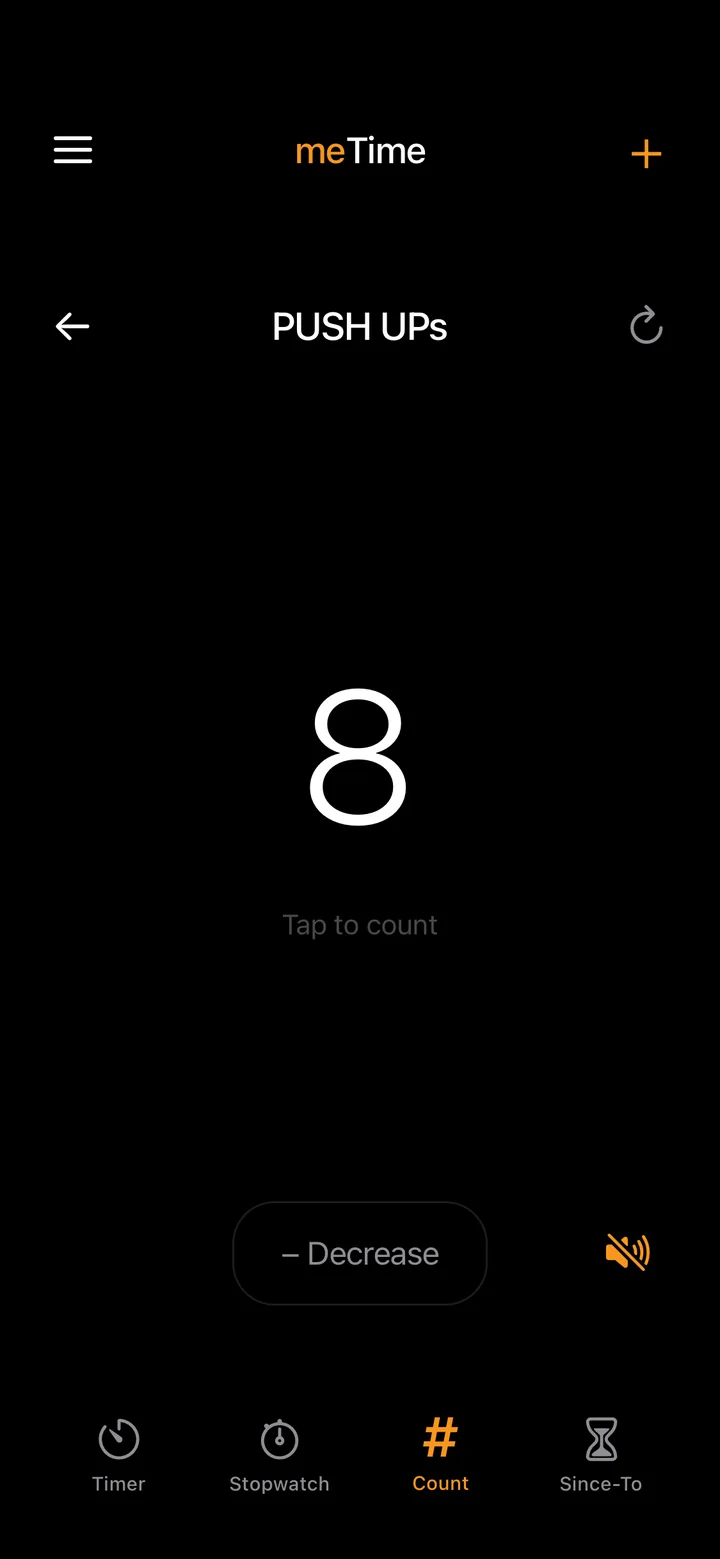
Counter
Tap to count. Push-ups, laps, glasses of water, people through the door. As many counters as you need.
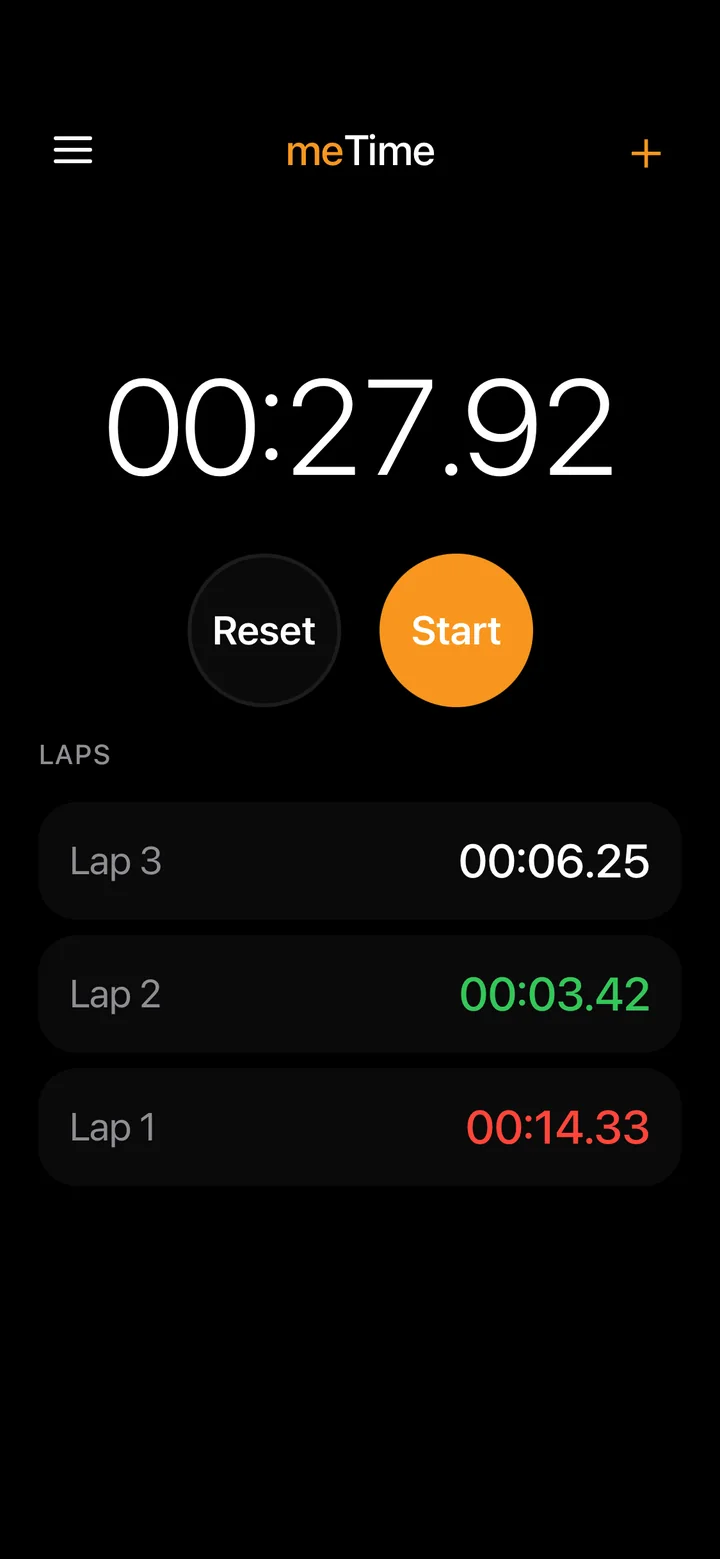
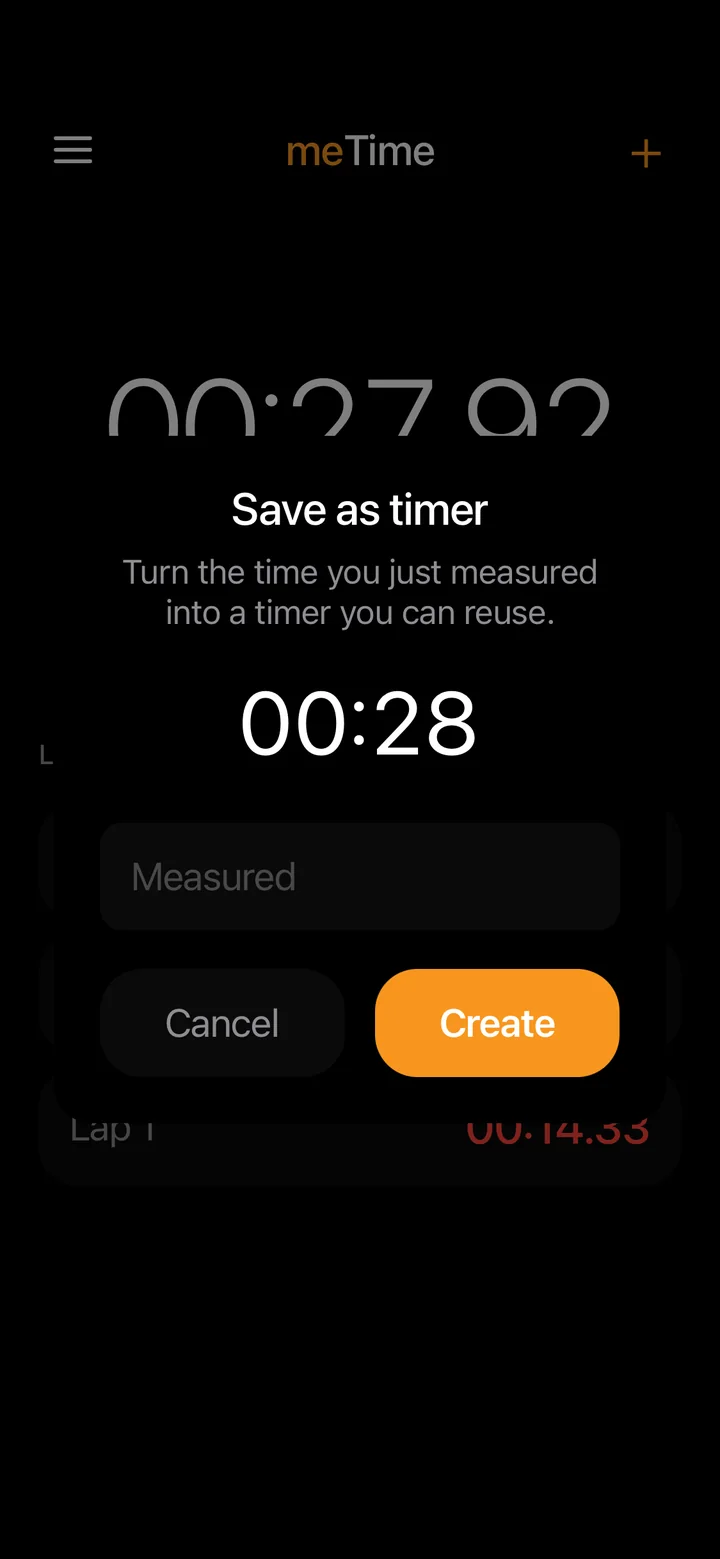
Stopwatch
Laps, with your fastest and slowest highlighted. Measured something you'll do again? Turn the time into a timer.
Try everything for a week.
For your first 7 days every feature is unlocked. No account, no payment, nothing to cancel.
- Free, always
- Timers, stopwatch, counter and days since or until.
- meTime Pro
- Tabata, HIIT, EMOM and Pomodoro with voice cues, unlimited timers and events, and the custom colour picker.
- Your choice
- Monthly, yearly with a 7-day free trial, or once for life. Prices are shown in the app for your region.
No account. No ads. No analytics.
Your timers, counters and events stay on your phone.
Support
Answers to the most common questions. For anything else, write to us.
How do I restore my purchase?
Open meTime, go to Settings, then meTime Pro, and tap Restore Purchases. Use the same Apple Account you bought Pro with.
How do I cancel my subscription?
On your iPhone, open Settings, tap your name, then Subscriptions, and choose meTime. Cancel at least 24 hours before the current period ends.
Why don't I hear the voice cues?
Check that your iPhone isn't in Silent mode and that the volume is up. If you use Bluetooth headphones, make sure they're connected.
Does meTime collect my data?
No. There's no account, no ads and no analytics. Everything you create stays on your phone. Read the privacy policy.